
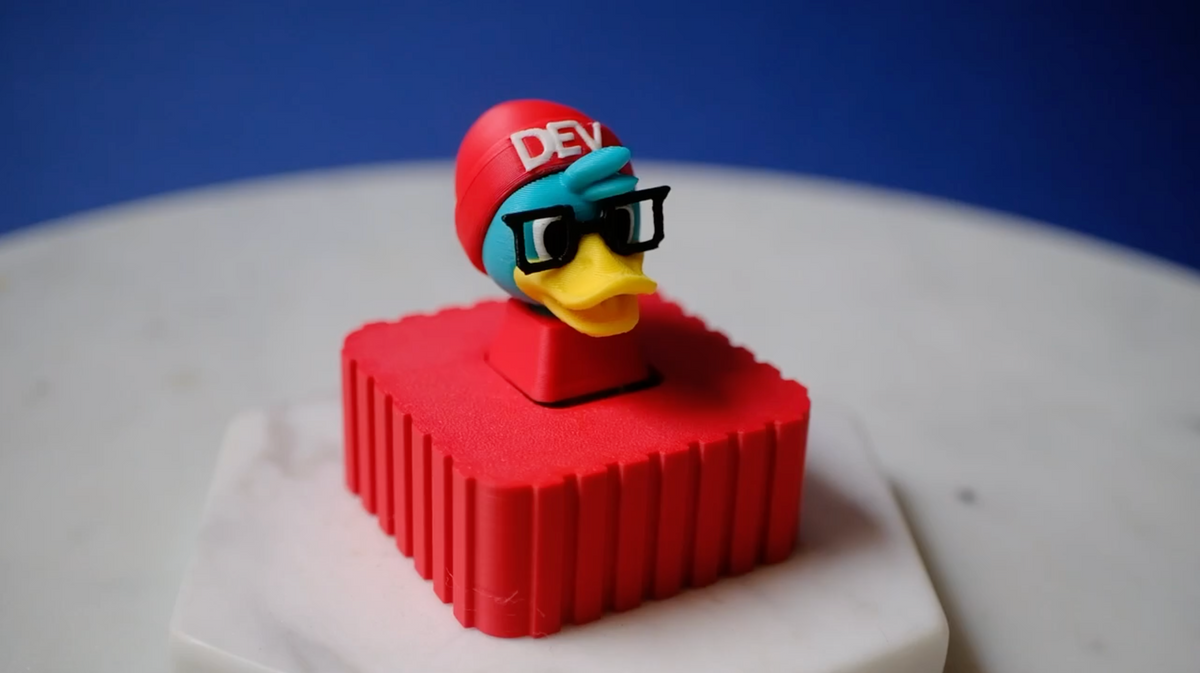
To use: just plug it into your computer with a USB-C cord, wait for the light under the keycap, and press.
Every tap feels like you're giving your AI bot of choice a lil pat on the head. Good job, little AI.
— A satisfied user, probs
To reprogram: before plugging into USB, hold the button down, then while holding it down, plug it in. Release as soon as you see the light under the keycap. You should see CIRUITPYTHON show up as a USB drive.
Edit code.py to your heart's desire. Check out lots of example projects here around how to use USB HID libraries to set your keyboard to do whatever you like: https://learn.adafruit.com/search?q=neokey
Or, you know, ask Claude 🤷🏻♀️